ONE PHOTO · PERSON OR PET · SONG INCLUDED
Bad Times AI Studio: one photo to a BAD TIMES video
Drop in a photo of you or your pet. Get the original moves, camera and song. No prompt, no editing, no watermark.
Pets work too: use a clear, front-facing photo of your cat, dog or other pet — one animal per photo.
Perfect Recreation · 480p · 30 seconds · $89.97 single-video equivalent
Original sound · no watermark · failed generations return credits.
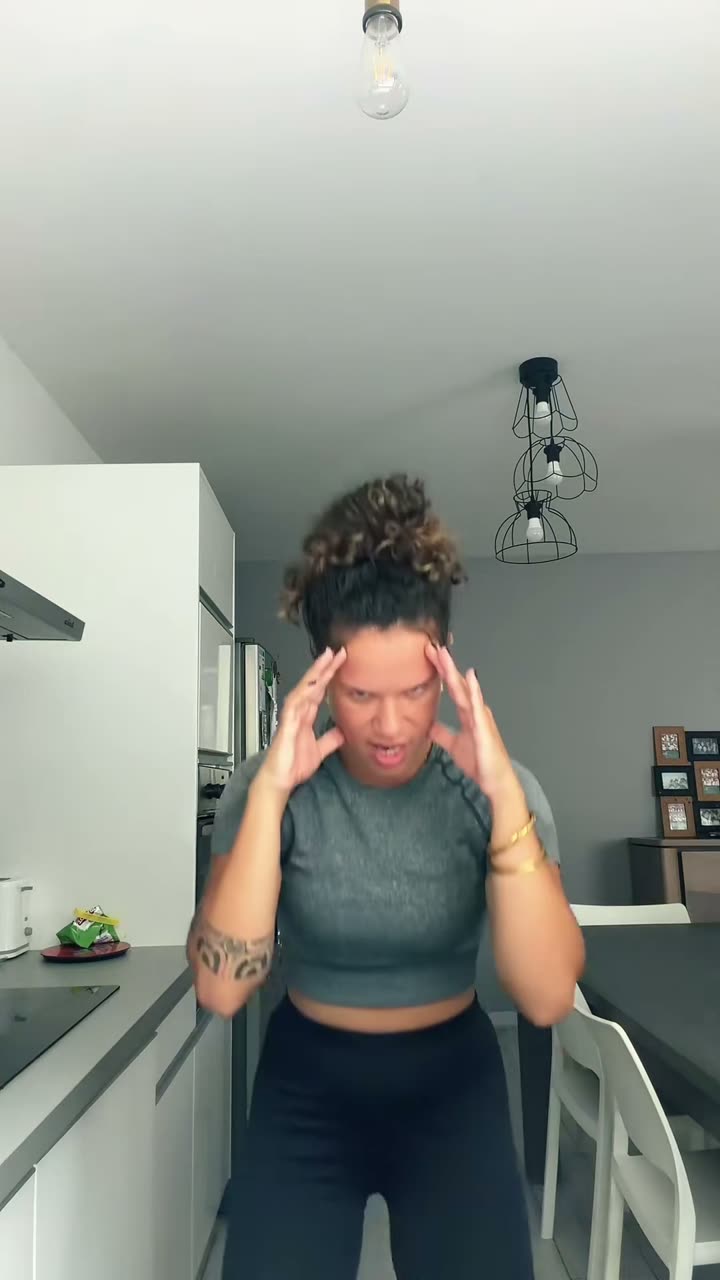
Bad Times
Your photo replaces the star of the reference performance, following its moves and camera. The original soundtrack is restored before delivery.
See the full introduction →Your video will appear here
Add a photo and hit Generate. Your finished video will be ready to play and download.
Studio FAQ
Will Perfect make an exact copy of the reference video?
No exact match is guaranteed. Perfect uses the reference to guide motion and camera more closely than Standard, but AI can still vary in facial details, movement, lip-sync and camera. Both modes keep the template soundtrack.
Which model and length should I choose?
Seedance 2.5 offers Standard Recreation or Perfect Recreation; Perfect uses 3× the credits. We recommend the 480p full performance: person and pet 30 s, baby 26 s. See the cost before generating.
What kind of photo do I need?
Use an evenly lit photo with one clear subject. For a person, show the face and upper body; for a pet, include its whole body if possible. Crop group shots to one subject. Photos are also checked for safety.
How long does a video take to generate?
After photo review, the task is submitted to the model. Completion depends on the model queue and processing speed, with no fixed number of minutes. Check the status in the studio; you can also return to the current task after refreshing or reopening the page.
What if generation fails?
A rejected photo does not start a task or use credits. If generation fails, the credits are automatically returned; this is not a refund to your card. Check the task status before retrying. If a task says it succeeded but the result looks wrong, contact support using the footer link and include the task details.
Are my photos and videos private?
Photos and videos are used for review, generation and your account history; they are not automatically used as homepage examples. Current media links may be accessible to anyone who has the link. We do not promise a fixed automatic deletion period or offer one-click deletion of all data in account settings. Do not upload photos that require strict confidentiality. To request deletion, contact support as described in the Privacy Policy.